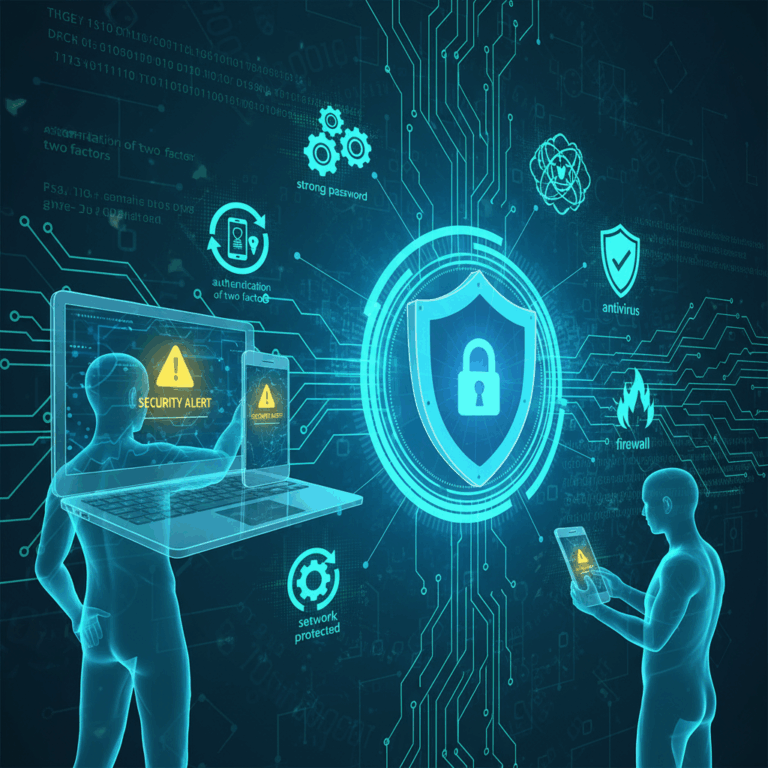
Password Security Practices
Strong password security is the first defense against cyber threats. Using robust and unique passwords reduces risks of unauthorized access.
Combining complexity with uniqueness helps prevent credential stuffing attacks, a common technique used by cybercriminals.
Creating Strong and Unique Passwords
A strong password uses a mix of letters, numbers, and special characters. Avoid common words or simple sequences to increase strength.
Unique passwords for each account prevent attackers from exploiting a breach on one platform to access others.
Regularly updating passwords adds another layer of protection by reducing the window of opportunity for attackers.
Using Password Managers
Password managers generate and store complex passwords securely, making it easier to maintain unique credentials across platforms.
They autofill passwords, reducing the risk of phishing and keylogging attacks by avoiding manual typing.
Choosing a reputable password manager ensures encryption and safe storage, protecting your credentials from theft.
Authentication and Software Updates
Enhancing authentication methods and keeping software updated are key steps in protecting your digital assets from cyber threats.
Using multiple layers of verification and regularly applying patches reduce vulnerabilities and block unauthorized access effectively.
Enabling Multi-Factor Authentication
Multi-factor authentication (MFA) requires users to provide two or more verification forms, substantially increasing account security.
It can involve something you know (password), something you have (a phone app), or something you are (biometrics) to confirm identity.
Even if passwords are compromised, MFA serves as a robust barrier, making it much harder for attackers to gain access.
Keeping Software and Devices Updated
Regularly updating software and devices closes security gaps exploited by hackers through known vulnerabilities.
Automatic updates help maintain protection without manual effort, ensuring timely application of critical patches.
Outdated hardware may lack support for the latest security measures, so consider upgrading devices when needed.
Installing Security Software and Firewalls
Security software like antivirus and anti-malware provides real-time protection and helps detect malicious activities.
Firewalls monitor incoming and outgoing traffic, preventing unauthorized connections and securing your network perimeter.
Maintaining up-to-date security tools is vital to defend against evolving cyber threats and malware variants.
Network and Data Protection
Protecting your network and data is crucial for maintaining privacy and preventing cyberattacks. Secure connections and data safeguards reduce exposure to threats.
Implementing strong network security and reliable data backup strategies ensures continuous safety and quick recovery from incidents.
Securing Network Connections
Secure your WiFi using strong encryption protocols like WPA3 and avoid default router passwords to block unauthorized access.
Public WiFi can expose sensitive data; use a reputable VPN to encrypt your connection when accessing public networks.
Disabling unnecessary Bluetooth and location services further minimizes risks of data interception on your devices.
Backing Up and Encrypting Data
Regularly back up important files to external drives or encrypted cloud services to protect against data loss and ransomware attacks.
Use strong encryption standards like AES-256 to safeguard your data both at rest and during transmission, preventing unauthorized access.
Encrypted backups ensure that even if stolen or lost, your data remains inaccessible to cybercriminals.
User Behavior and Organizational Measures
Cybersecurity relies heavily on user behavior and organizational policies to strengthen defenses against attacks.
Raising awareness and training employees helps create a security-conscious culture that reduces risks significantly.
Practicing Cyber Hygiene and Phishing Awareness
Good cyber hygiene means always thinking before clicking links or opening attachments, especially in unsolicited emails.
Phishing attacks exploit user trust to steal credentials or deliver malware, so recognizing suspicious signs is essential.
Avoid sharing sensitive data without verifying recipients and prefer encrypted channels for confidential communication.
Phishing Red Flags to Watch For
Common signs include unexpected requests, poor grammar, urgent demands, and unfamiliar sender addresses.
Being cautious and verifying before taking action can prevent falling victim to these deceptive tactics.
Employee Training and Security Monitoring Tools
Ongoing employee training educates staff on security best practices and emerging cyber threats, reinforcing vigilance.
Security monitoring tools help organizations detect unusual activities early, allowing rapid response to potential breaches.
Combining training with technology creates a proactive approach that improves overall cybersecurity posture effectively.