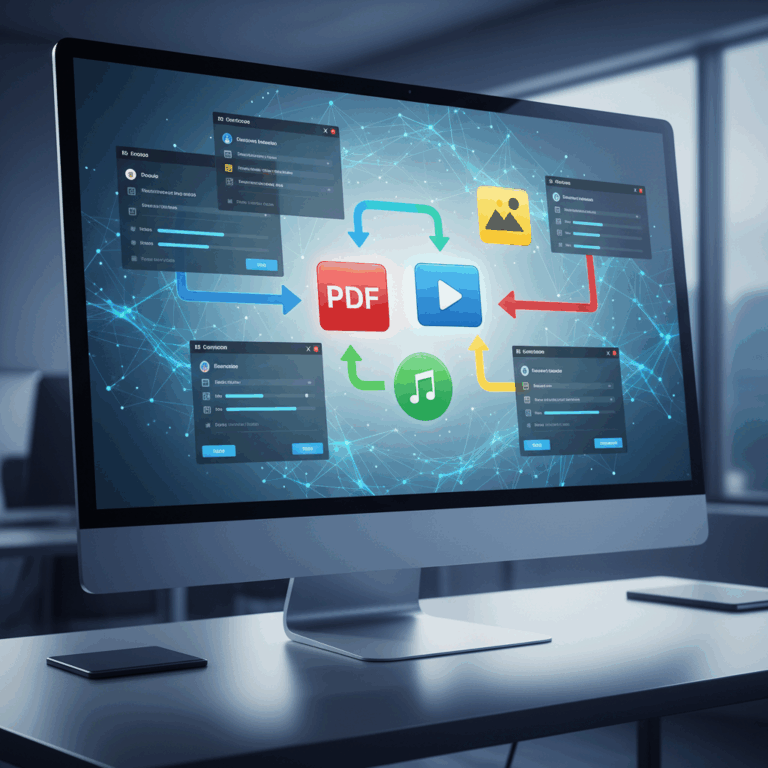
Popular File Conversion Websites
Many popular websites provide file conversion services for diverse formats like documents, videos, audio, and images. These platforms cater to users seeking either simplicity or advanced customization.
Offering robust functionality, such sites support a wide range of file types and integrate features to make conversions quick and secure. Choosing the right website depends on your format needs and security concerns.
CloudConvert Features and Integration
CloudConvert supports over 200 file formats, from documents to videos and code files, offering advanced options like page selection and metadata editing. It’s highly versatile for varied user needs.
This tool integrates seamlessly with platforms like Google Drive and Dropbox, allowing direct access to cloud files, enhancing convenience for users managing files across devices.
While free conversions are available daily, advanced features require payment. CloudConvert maintains a strong focus on security and offers an API for developers seeking integration.
Convertio’s Format Coverage and Privacy
Convertio handles more than 300 formats with over 25,600 conversion pairs, covering documents, ebooks, archives, audio, and video files. Its cloud-based service works fast without needing downloads.
The site provides customizable options like video codec and quality settings, catering to users who want control over their output formats. It supports all devices through the browser.
Privacy is a priority: Convertio deletes uploaded files after 24 hours to protect user data, making it a secure choice for sensitive files while maintaining high functionality.
Specialized Conversion Services and Tools
Specialized file conversion platforms focus on unique user needs, prioritizing ease of use, advanced features, or specific document types. These tools enhance efficiency and accuracy.
Users can choose services based on their technical skill, file complexity, or security requirements, benefiting from tailored functionality that general converters might lack.
Zamzar’s Simplicity and User Experience
Zamzar stands out for its simple interface, allowing users to convert documents, images, audio, and video files quickly without installing software. It works fully in the browser.
Its email notification feature helps users manage longer conversions effectively. However, free users face file size limits and slower processing speeds compared to premium accounts.
Despite some restrictions, Zamzar is ideal for beginners seeking straightforward conversion without complex settings or technical expertise.
Conversion Tools’ Advanced Capabilities
Conversion Tools offers an extensive cloud platform supporting formats like JSON, XML, CSV, and large media files up to 50+ GB. It caters to professionals needing bulk processing.
It incorporates cutting-edge features such as OCR for extracting text from images and batch processing to handle multiple files efficiently, making it valuable for complex workflows.
API access and third-party integrations enable automation, allowing users to streamline their file conversion tasks across diverse applications securely.
PDF-Specific Platforms and Use Cases
Some platforms specialize in PDF conversions, targeting either basic tasks or professional document handling. iLovePDF suits simple text needs, while Adobe Online serves high-accuracy business requirements.
SmallPDF also offers reliable business-grade PDF conversion, and Canva is popular for design-heavy PDF files that require creative adjustments beyond simple format changes.
Choosing According to Use Case
Users should select PDF tools based on whether they prioritize speed, precision, or design flexibility, ensuring converted files retain their intended style and readability.
Security and Privacy in File Conversion
When using file conversion tools, security and privacy are critical, especially for sensitive documents. Users must assess how platforms protect their data during and after conversion.
Many online converters handle files on cloud servers, posing risks if proper data handling protocols are absent. Trustworthy services implement strict policies and secure deletion processes.
Risks and Trusted Platforms
File conversion risks include potential scams, malware infections, and unauthorized access. Users should avoid unverified websites that may compromise data integrity or confidentiality.
Trusted platforms like CloudConvert are ISO-certified, ensuring compliance with security standards. They emphasize privacy by deleting files promptly and not sharing user data.
Selecting a reputable converter reduces exposure to cyber threats. Users must review privacy policies and choose services with transparent data protection measures for safe processing.
Choosing the Right Tool for Your Needs
Picking the ideal file conversion tool depends largely on your specific requirements, including the range of formats supported and the level of security needed. Understanding these factors helps achieve efficient and safe conversions.
The abundance of tools available means users can find solutions tailored either for broad format compatibility or specialized security features, ensuring a smooth and worry-free conversion process.
Best Options for Broad Format Support
When broad format coverage is essential, platforms like CloudConvert and Convertio stand out. Both support hundreds of formats covering documents, audio, video, and more.
CloudConvert offers advanced customization and cloud integration, ideal for users needing versatility. Convertio excels with fast processing and user-friendly controls across many device types.
For power users handling large or complex files, Conversion Tools provides batch processing, OCR, and API access, making it perfect for automated or high-volume workflows.
Considerations for Sensitive Documents
When converting sensitive or confidential files, security must come first. Choose services with clear privacy policies and strong data protection practices to avoid leaks or misuse.
Trusted platforms like CloudConvert and Convertio delete files promptly after conversion and use encryption, ensuring user data remains confidential and secure during processing.
Avoid converters lacking transparency about data handling. For highly sensitive documents, offline conversion tools or specialized secure services may be preferable to prevent exposure to online risks.