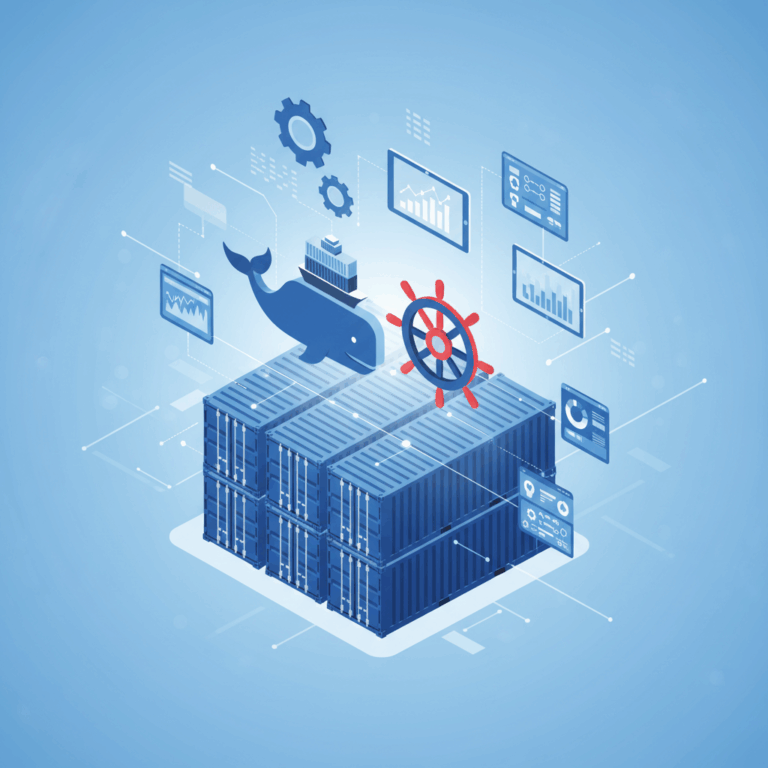
Overview of Container Management Tools
Container management tools like Docker and Kubernetes are fundamental in modern software development, supporting microservices and cloud-native applications. They address different points in the lifecycle of containerized apps, from creation to large-scale orchestration.
Docker focuses on container creation and local management, enabling developers to package applications into portable containers. Kubernetes is designed for managing and automating container deployment across clusters at scale, ensuring reliability and scalability.
Role of Docker in Containerization
Docker serves as a platform to create, share, and run containers efficiently. It lets developers package applications with their dependencies into lightweight, portable units that work consistently across environments.
Primarily used in development, Docker provides tools to build container images and manage containers on a single host. It simplifies running applications locally, aiding in testing and development cycles with straightforward commands.
While Docker includes basic orchestration tools like Docker Compose and Swarm, its main advantage lies in container runtime management and image distribution, supporting fast and consistent application deployment in isolated environments.
Role of Kubernetes in Orchestration
Kubernetes is an open-source orchestration platform designed to automate deployment, scaling, and management of containerized applications across multiple hosts. It abstracts infrastructure details from users.
Using declarative configurations, Kubernetes maintains the desired application state, handling tasks such as load balancing, scaling, and self-healing automatically. It supports multiple container runtimes including Docker and containerd.
Its focus is on running complex, distributed systems reliably at scale. Kubernetes manages networking, storage, and resource allocation across clusters, making it a cornerstone in production environments for container orchestration.
Key Features and Functionalities
Docker: Image Building and Local Container Management
Docker simplifies the process of building container images by providing a Dockerfile syntax that automates packaging an application with its dependencies. This ensures consistency across environments.
Local container management is straightforward with Docker’s CLI, allowing users to easily start, stop, and inspect containers on a single host. This makes it ideal for development and testing phases.
Docker Hub and other registries enable sharing and distribution of images. Developers benefit from a rich ecosystem of pre-built images and tools, enhancing productivity during application creation.
Kubernetes: Cluster Management and Automation
Kubernetes manages clusters by abstracting multiple hosts into a single logical system, enabling seamless deployment of containerized applications at scale. It uses declarative YAML configurations.
Automation in Kubernetes includes self-healing mechanisms, such as automatically restarting failed containers and rescheduling them on healthy nodes. Scaling up or down happens dynamically based on load.
Resource allocation across nodes is tightly managed to optimize hardware usage. Kubernetes ensures high availability through replication and rolling updates, minimizing downtime during deployments.
Networking and Storage in Kubernetes
Kubernetes provides a robust networking model where every pod gets its own IP, allowing seamless communication within the cluster. Services enable load balancing and stable access points for applications.
Storage is abstracted using Persistent Volumes and Persistent Volume Claims, providing consistent and durable storage that survives pod restarts. This supports stateful applications in containerized environments.
Networking plugins and storage drivers enhance flexibility, allowing Kubernetes to integrate with diverse environments and infrastructure, enabling hybrid and multi-cloud deployments.
Docker Compose and Swarm as Basic Orchestration
Docker Compose offers a simple way to define and manage multi-container applications on a single host using a YAML file, ideal for development or small deployments.
Docker Swarm extends Docker with native clustering and orchestration capabilities, providing basic scaling, service discovery, and load balancing within a Docker environment.
While less powerful than Kubernetes, Compose and Swarm are easier to set up and maintain, making them suitable for smaller projects or teams seeking lightweight orchestration solutions.
Use Cases and Integration
Combining Docker and Kubernetes in production environments is common for businesses aiming to leverage the strengths of both tools. Docker excels at creating container images, while Kubernetes orchestrates them at scale.
This integration allows developers to build and test containers locally with Docker and then deploy them in large, resilient clusters managed by Kubernetes for production workloads.
Combining Docker and Kubernetes in Production Environments
Docker handles container image creation and local testing, ensuring applications run consistently across different stages. Kubernetes manages deployment, scaling, and reliability across clusters.
This synergy facilitates a streamlined workflow where developers focus on containerization, while operations teams utilize Kubernetes to automate complex orchestration tasks.
Kubernetes supports Docker as a container runtime, enabling seamless transition from development to production without modifying container images, increasing efficiency and consistency.
Developer vs Operations Perspectives
From a developer’s perspective, Docker simplifies environment setup and testing by providing isolated containers with all dependencies included. This accelerates development cycles and reduces bugs.
Operations teams prioritize Kubernetes for its ability to orchestrate, scale, and maintain containerized applications in production, focusing on stability, availability, and resource optimization.
Both perspectives complement each other: Docker empowers developers with fast iteration, while Kubernetes grants operations control over application lifecycle and infrastructure management.
Benefits and Challenges
Container management tools like Docker and Kubernetes provide significant benefits but also present various challenges. Understanding these helps teams choose and optimize their use effectively.
Docker excels in simplifying development by packaging applications consistently, while Kubernetes offers powerful orchestration to scale and maintain distributed applications with reliability.
Advantages of Using Docker for Development
Docker streamlines development by enabling developers to create isolated, reproducible environments. This reduces the «works on my machine» problem dramatically.
With Docker, developers can easily package apps and dependencies in containers that run consistently across different platforms, promoting smoother collaboration and faster iteration cycles.
Its lightweight containers start quickly, enabling rapid testing and debugging. Docker also integrates well with CI/CD pipelines, improving development workflows and delivering faster time to market.
Scalability and Reliability with Kubernetes
Kubernetes is designed to manage large-scale deployments, automating workloads across clusters to ensure applications run reliably and efficiently.
Its self-healing capabilities, automatic scaling, and rolling updates minimize downtime and improve availability, critical for production-grade containerized applications.
Kubernetes abstracts infrastructure complexity, enabling teams to deploy and scale distributed applications across cloud providers or on-premises with ease.