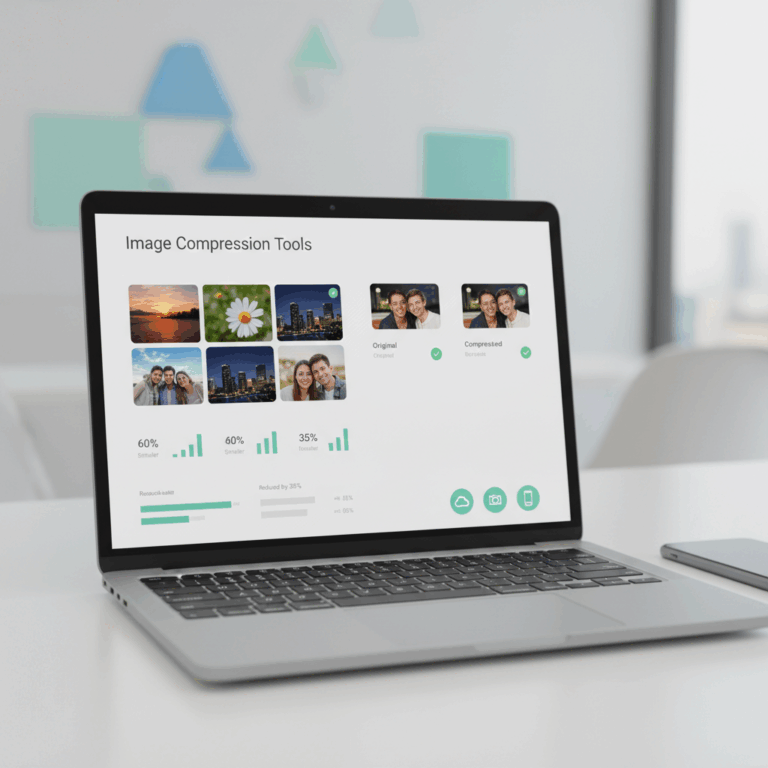
Web-Based Image Compression Tools
Web-based image compression tools provide quick, accessible ways to reduce image sizes directly in your browser. These services eliminate the need for software installation.
By using smart algorithms, these tools maintain visual quality while significantly decreasing file weight, enhancing page loading speed and user experience.
TinyPNG and TinyJPG Features
TinyPNG and TinyJPG stand out as leading web services specializing in lossy compression for PNG and JPG images. Their algorithms reduce file sizes without visible quality loss.
Users can simply drag and drop images into the website, making compression effortless and quick for anyone, regardless of expertise.
Additionally, both platforms offer WordPress plugins that automate optimization, streamlining image management for websites.
ShortPixel Capabilities
ShortPixel complements web compression needs by supporting both lossy and lossless methods, boosting its versatility across PNG, JPG, and GIF formats.
Its Smart Compression technology allows simultaneous compression of up to 50 images, making batch processing efficient and practical.
Integration options like WordPress plugins allow automatic image optimization, reducing manual workload for webmasters.
Additional Online Compressors
Beyond the well-known tools, additional online compressors offer diverse features to enhance image optimization. These platforms cater to various needs, from simple batch processing to advanced integration options.
They help users maintain a balance between file size reduction and visual quality, contributing to faster loading times and improved overall site performance.
Optimizilla Functionality
Optimizilla is a popular online compressor known for its user-friendly interface and efficient batch processing capabilities.
It supports multiple file formats, including JPEG and PNG, and incorporates a quality slider that lets users fine-tune compression levels visually.
This helps ensure that images retain the desired appearance while achieving significant size reduction, making it ideal for those prioritizing control over image quality.
Kraken.io Options and Integrations
Kraken.io offers both lossy and lossless compression, supporting batch uploads to handle multiple images swiftly.
Its platform provides useful integration options with content management systems like WordPress and Magento, enabling automated image optimization.
Such features make Kraken.io suited for professional users seeking seamless workflows and scalable performance for e-commerce or content-driven websites.
NitroPack Comprehensive Optimization
NitroPack stands out as an all-in-one performance optimization tool that includes image compression as part of its suite.
It automatically resizes images for different devices, while also improving caching and minifying site code, enhancing overall page speed.
This holistic approach makes NitroPack a valuable solution for site owners seeking to optimize not only images but entire website performance with minimal manual effort.
Desktop Image Compression Applications
Desktop image compression applications provide advanced control over image optimization, suitable for professionals seeking precise results. These tools often support batch processing and multiple formats.
Unlike web-based compressors, desktop apps do not rely on internet connections and typically offer faster processing speeds, benefiting users handling large volumes of images regularly.
ImageOptim for Mac and Linux
ImageOptim is a popular application for Mac users, praised for its ability to reduce file sizes by removing unnecessary metadata and optimizing JPEG and PNG images efficiently.
This tool supports batch processing, allowing users to compress many images simultaneously without sacrificing quality, ideal for photographers and designers.
Although primarily designed for Mac, ImageOptim offers experimental support for Linux, expanding accessibility for users of different operating systems.
Radical Image Optimization Tool (RIOT) for Windows
RIOT is a Windows-exclusive tool that provides real-time previewing of compression effects, helping users balance quality and file size effectively before saving.
It supports multiple image formats and offers features like batch processing and automatic optimization to streamline workflows for Windows users.
RIOT’s interface is user-friendly, making it accessible for both beginners and advanced users seeking detailed control over image compression.
Free vs Paid Plans
Many image compression tools offer free versions with basic features, suitable for casual users and small projects. However, these free plans often come with restrictions.
Paid subscriptions unlock advanced options, supporting larger workloads and more sophisticated optimization techniques essential for professional use and high-volume processing.
Limitations of Free Versions
Free plans typically limit the number of images you can compress daily or monthly, restricting bulk processing capabilities. This can slow down workflows for larger tasks.
Additionally, free versions often impose file size caps, preventing optimization of very large images. Users may also experience reduced priority or slower processing times.
Some free tools restrict access to advanced features like lossless compression, resizing, or metadata removal, affecting final image quality and customization options.
Benefits of Paid Subscriptions
Paid plans usually allow unlimited or expanded image uploads, enabling faster, large-scale compression ideal for professional or business applications.
They also unlock premium features such as automatic backups, advanced file format support, and integration with popular platforms like WordPress or Magento.
With paid subscriptions, users benefit from priority processing speeds and dedicated customer support, ensuring smoother workflows and enhanced reliability.